























Feature · About 2 minutes
A journal for each person in the family
The first day of school. The story of how your parents met. The thing you meant to ask the doctor. Write it down, or record it, on the person it belongs to.
By the KinLine team · Updated
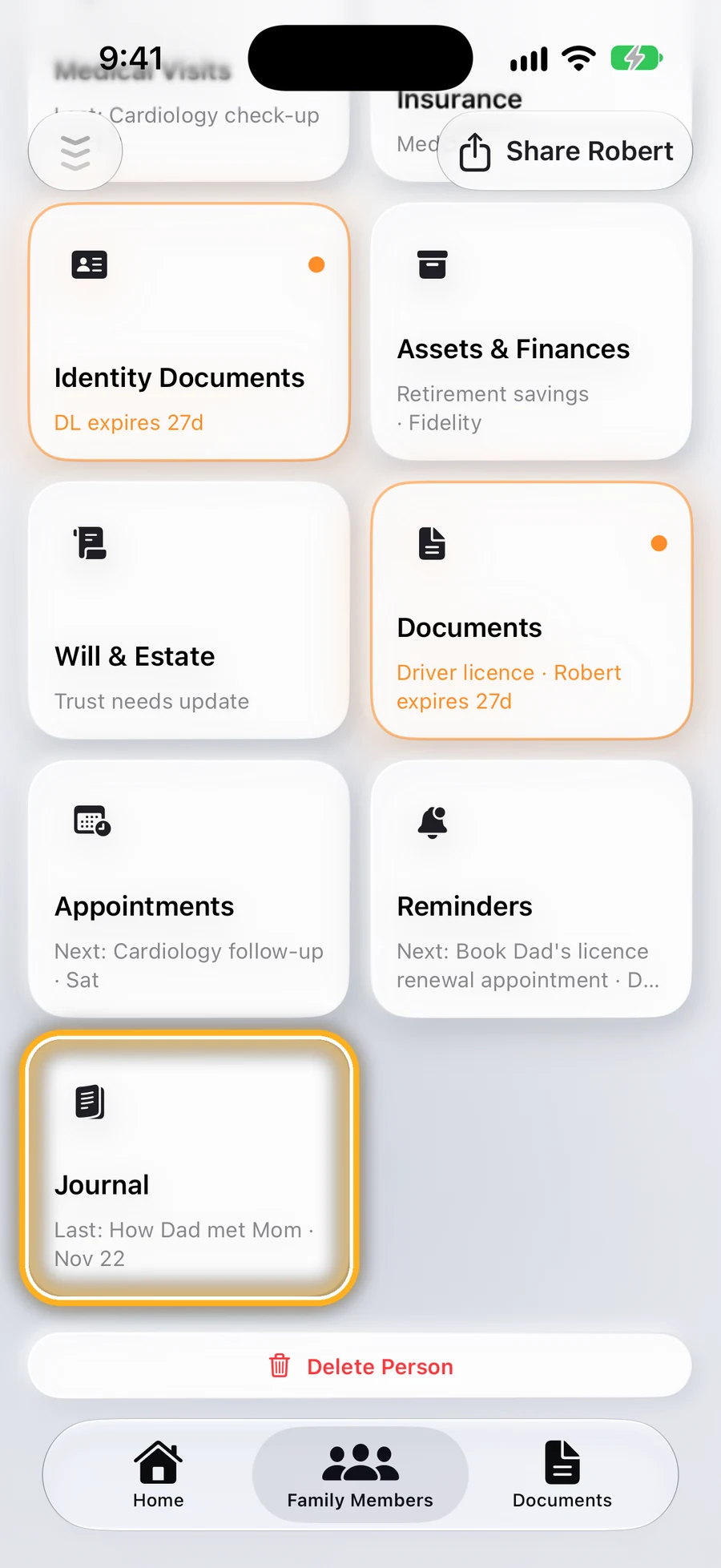
Step 1: Every person has a Journal
Open someone and tap Journal, then Add Entry. Here it's Robert, 71, from our sample family.
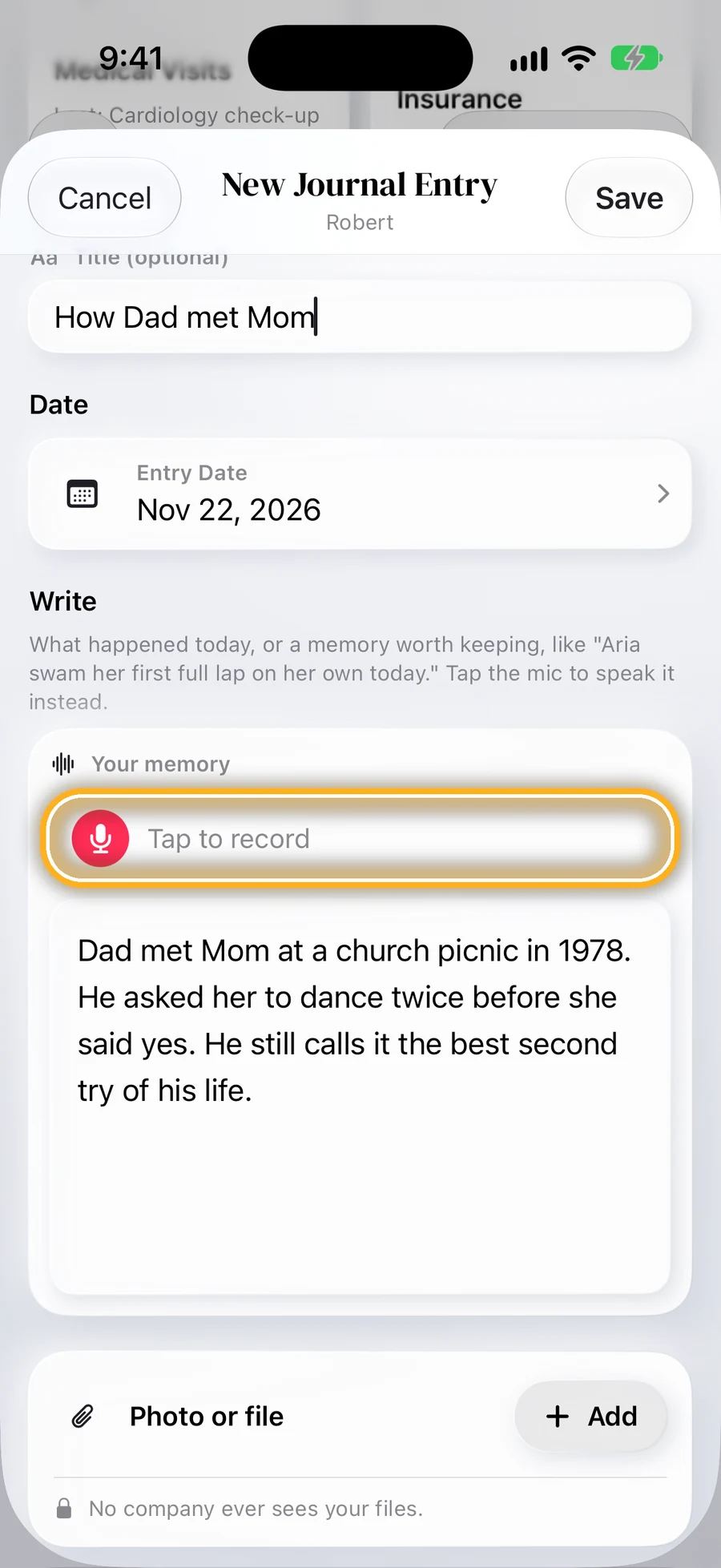
Step 2: Type it, or tap to record
Record a voice, write a few lines, or both. Add a photo with Photo or file.
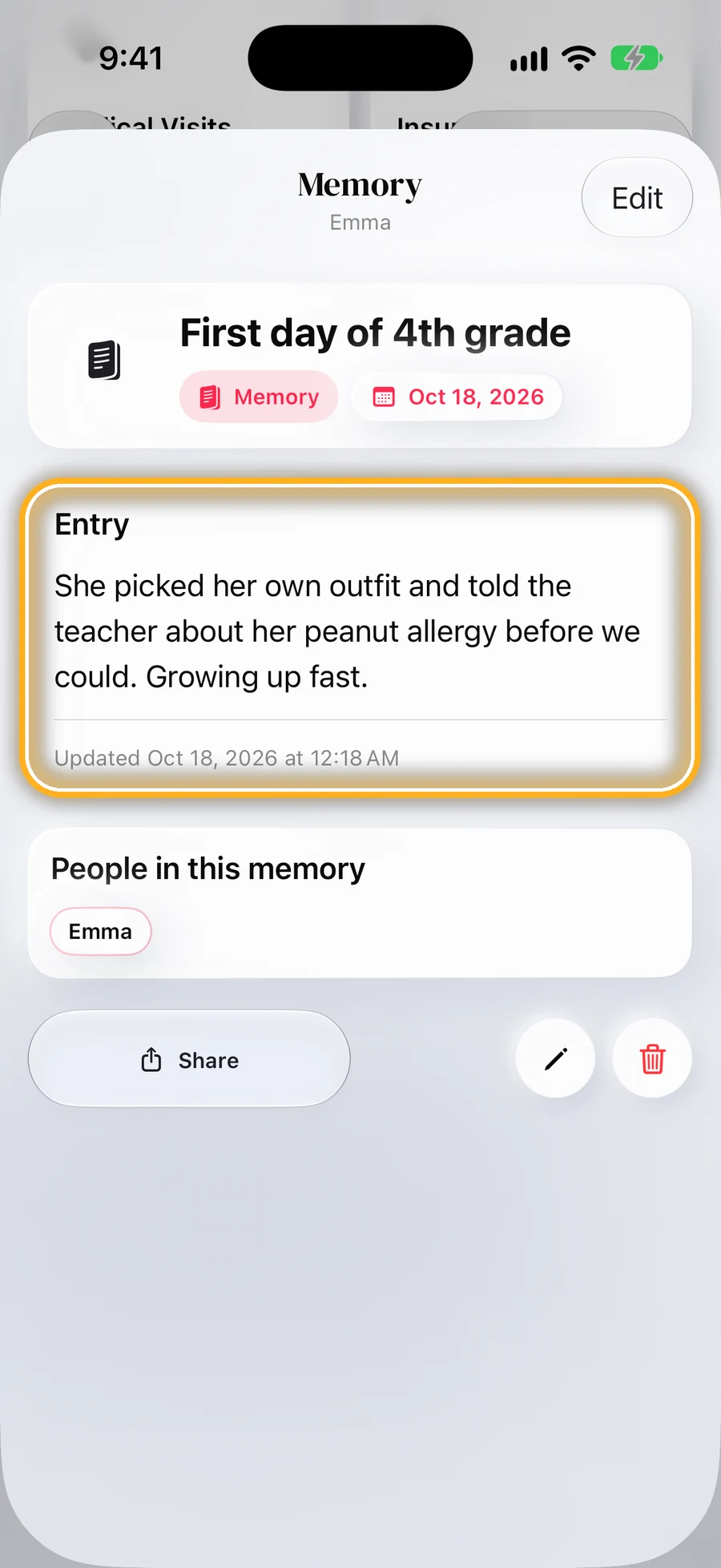
Step 3: Small moments, kept for later
Tap Share to send an entry to grandma in a text or email.
Quick questions
- What can I keep in the Journal?
- Anything worth remembering about a person: a first day of school, a story Grandpa told, a note for the next doctor visit.
- Can I record a voice instead of typing?
- Yes. Tap to record when you add an entry. It keeps the voice with the entry, so you can play it back later.
- Can I add photos?
- Yes. Tap Add next to Photo or file and pick a photo or a document.
- Is it on Android too?
- Yes. The Journal and voice notes are on both iPhone and Android.
The little things, kept.
KinLine is free to start. No account, no sign-up.


Free to download · No account needed