


Feature · About 2 minutes
Every doctor visit, and the next appointment
What did the cardiologist say in March? When is Dad's follow-up? Write it down once, and anyone you share with knows too.
By the KinLine team · Updated
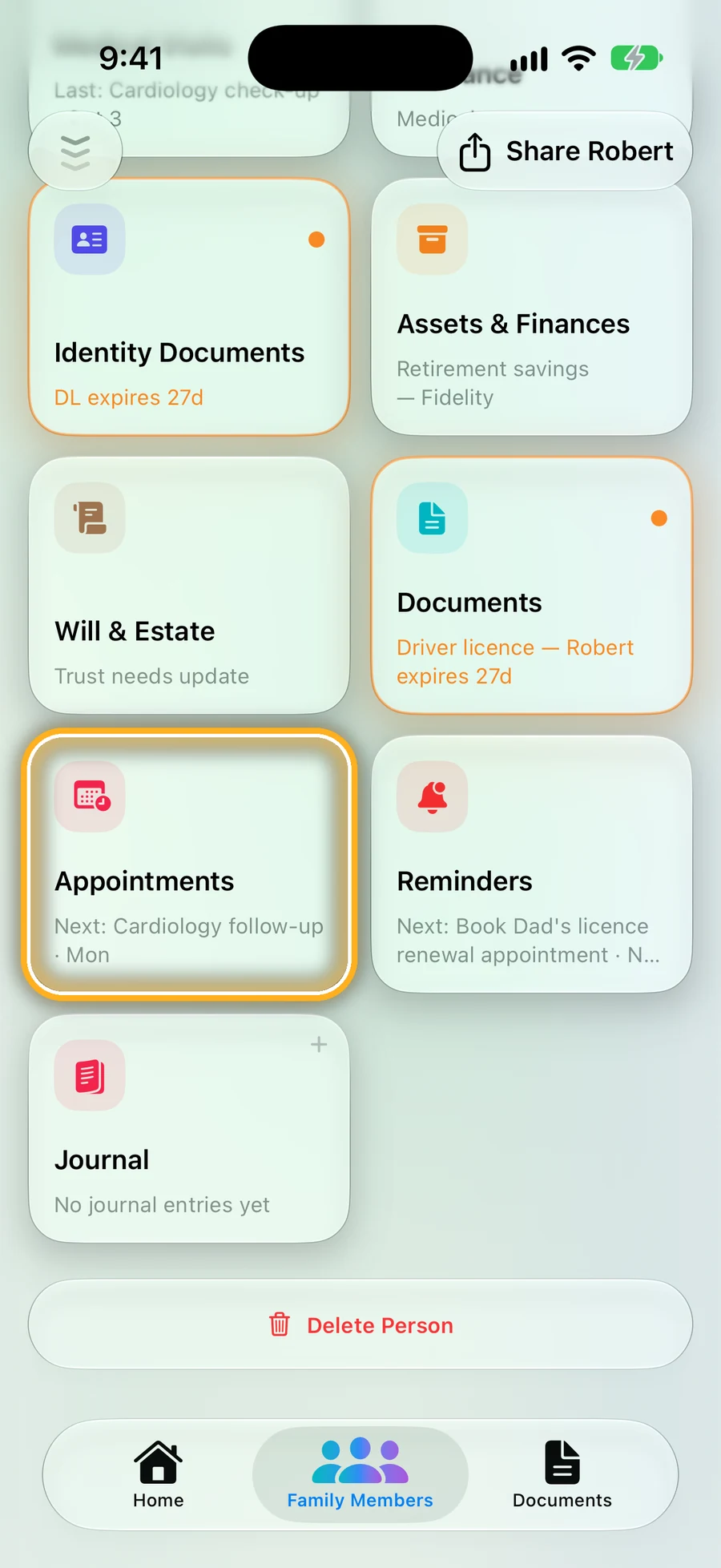
Step 1: Every person has the cards
Open someone and scroll down to Medical Visits and Appointments. The card shows what's next.
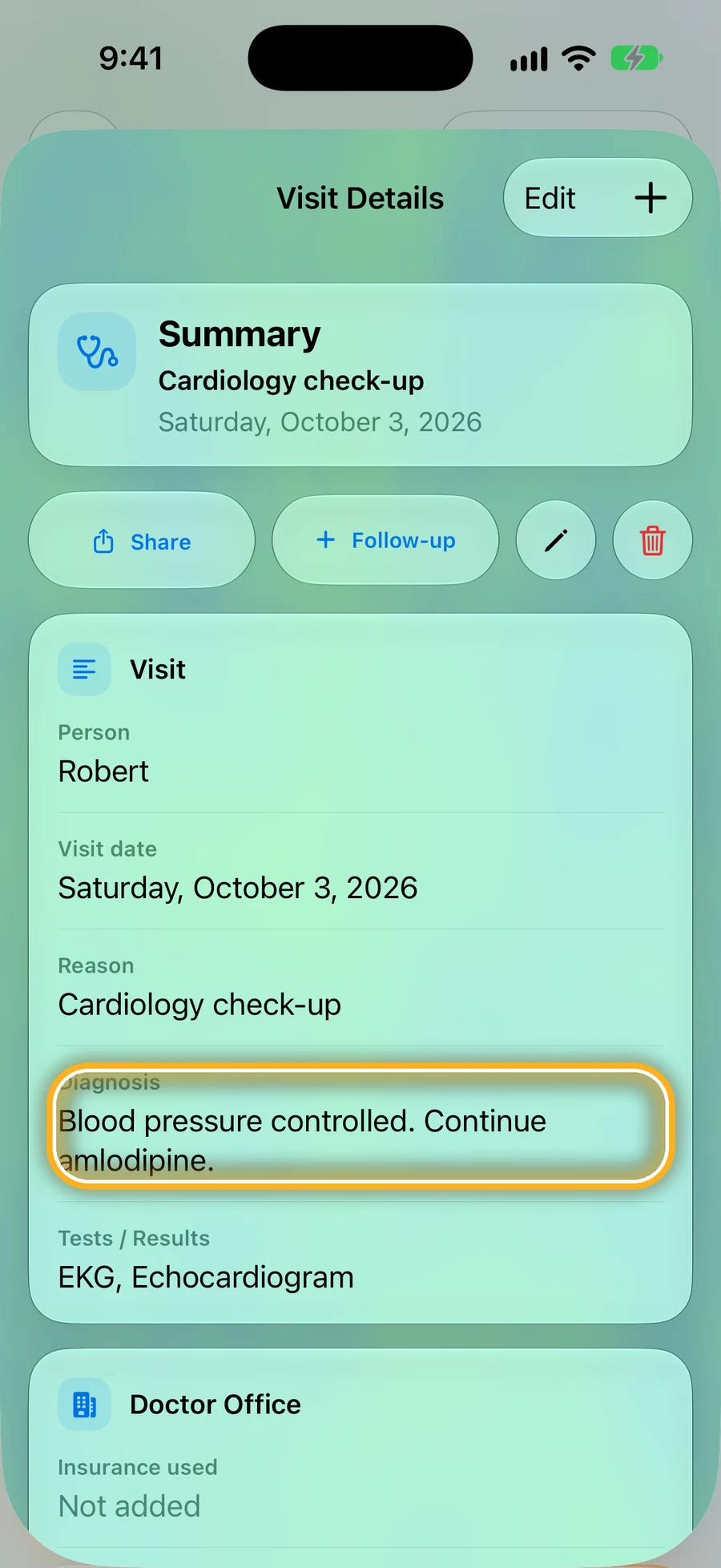
Step 2: What the doctor said, kept
Each visit keeps the reason, what the doctor said, tests and medicine changes. Add the visit papers, or a voice note of your own. Tap Follow-up to plan the next one.
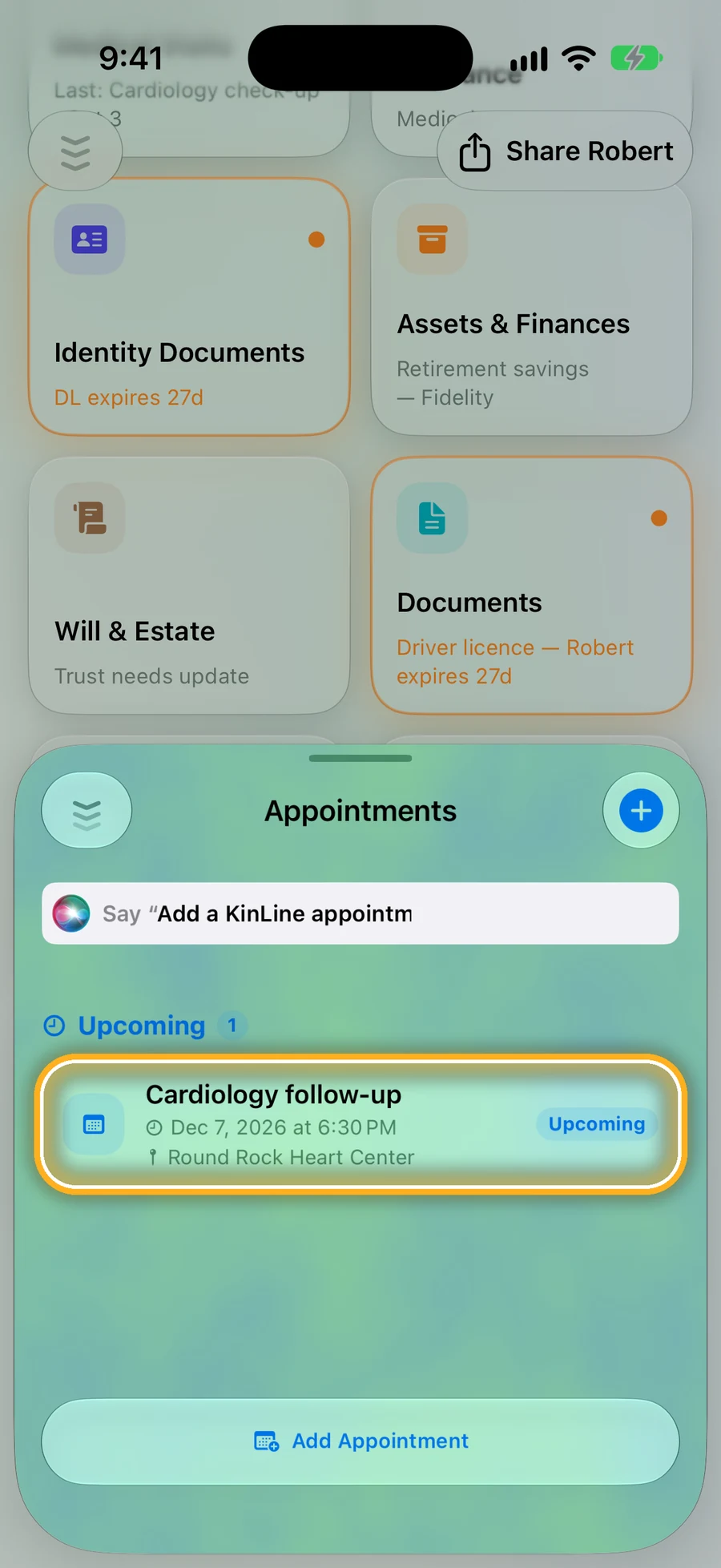
Step 3: A reminder before every appointment
Tap Add Appointment. KinLine reminds you before it, and on iPhone a countdown shows on the Lock Screen about 30 minutes before.
Quick questions
- Will KinLine remind me before an appointment?
- Yes. You get a reminder before it. On iPhone, a countdown card also shows on the Lock Screen about 30 minutes before.
- Can my sister see Mom's appointments too?
- Yes. Share Mom with her, and she sees the same visits and appointments, and every change.
- Can I record what the doctor says?
- You can add a voice note to a visit, for your own words after the appointment. Ask before you record anyone else.
Never wonder what the doctor said.
KinLine is free to start. No account, no sign-up.


Free to download · No account needed